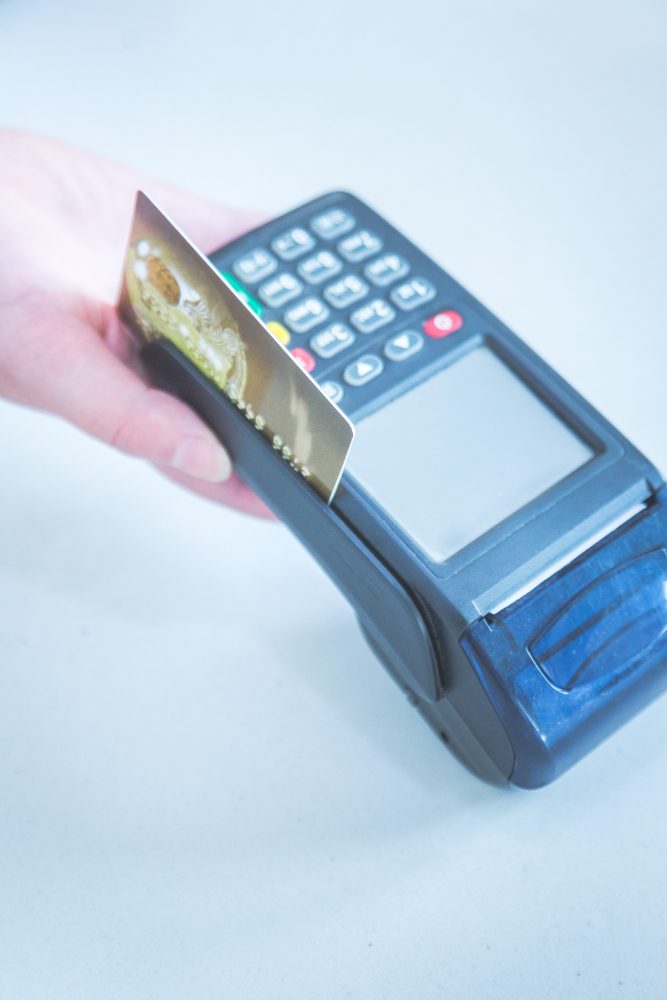
A first POS setup in under an hour is not about rushing screens; it is about sequencing minutes so no step steals stability from the next one. This guide is a strict 60-minute operating sequence that starts from a raw device and ends with a verified transaction cycle ready for live selling.
The objective of the first hour is foundational reliability, not total completeness: store identity, launch SKU set, pricing/tax logic, role permissions, and end-to-end checkout test. Anything outside that scope is intentionally deferred, not accidentally skipped.
Minute 0-5: Secure Runtime Environment First
Validate what can break checkout before touching configuration: network, charging, printer link, and thermal paper status. Teams that skip this usually lose time later debugging symptoms that have nothing to do with software setup.
Use a binary readiness checklist in this stage. If a blocker appears, fix or flag it as a hard stop before continuing. Reliable setup cannot be built on unstable hardware conditions.
- Confirm login access on primary and backup devices.
- Test connectivity from two in-store positions.
- Print a quick test page from the live printer.
- Confirm fallback payment flow for outage scenarios.
Minute 5-10: Set Store Identity and Required Fields
Enter values that directly impact receipts and close reporting: legal/store name, currency, tax basis, and branch profile. Errors here become visible to customers or accounting immediately, so this is a quality gate, not clerical work.
Keep this stage minimal and operationally necessary. Special policy extensions can be scheduled for post-launch refinement to protect first-hour momentum.
Minute 10-18: Add Launch SKU Set Only
Load only what will actually sell in the first live shift. Full catalog migration is not a first-hour goal. A focused launch set gives you faster validation and cleaner correction if anything misbehaves.
Choose SKUs across three practical buckets: highest volume, highest value, and highest customer-question frequency. This sample gives realistic confidence, not synthetic comfort.
- Create top-level categories before item entry.
- Limit first-hour import to practical launch scope.
- Review every ten SKUs with a second quick check.
- Attach clear internal code or barcode per SKU.
Minute 18-25: Calibrate Pricing and Tax Logic
Validate smart samples instead of everything: one discounted item, one standard item, and one high-ticket item. This confirms rules, not just records.
If mismatch appears, correct rule logic first rather than patching individual rows. Rule-level fixes prevent recurring cleanup cycles.
Minute 25-32: Build Role Permissions, Not Open Accounts
Permission discipline defined early saves major reconciliation pain later. Separate cashier execution, supervisor approval, and manager control from the start.
Treat exception actions as sensitive by default: high discount, post-payment edits, and void workflows. Clear boundaries protect both margin and staff confidence.
- Cashier role: core sales with bounded exception rights.
- Supervisor role: documented approval actions only.
- Manager role: settings governance and close authority.
- No shared admin credentials during active shifts.
Minute 32-40: Run End-to-End Transaction Test
Real setup proof is full-flow execution: sale, payment, receipt, and one exception scenario. If flow breaks, fix root cause immediately instead of layering workarounds.
Document test outputs briefly: what passed, where friction occurred, and what is corrected now. Known unresolved issues should not cross into go-live.
Minute 40-47: Create One-Page Shift Card
Convert setup knowledge into frontline execution aid. A short visible card with core steps, exception lane, and escalation owner reduces panic and repetitive questions under rush conditions.
Keep wording action-oriented: action, trigger, owner. Frontline clarity beats descriptive documentation during opening pressure.
Minute 47-53: Simulate Mini Opening Rush
Run a five-customer simulation at realistic pace with slight variation in payment and one controlled change request. The aim is flow confidence, not top speed.
Close this stage with a two-minute sync: one behavior to lock immediately and one signal to monitor in first live hour.
Minute 53-60: Lock Setup and Announce Readiness
Finalize baseline settings, save launch SKU reference, and clearly announce that POS is live-ready. Ambiguous handover often causes silent fallback to old methods.
Send a short readiness summary: completed items, intentionally deferred items, and end-of-day review focus. This keeps stakeholders aligned on what “ready” actually means.
- Announce go-live readiness in one explicit statement.
- Store launch checklist in shared team reference.
- Set end-of-day review time before opening starts.
After First Live Hour: One Correction Rule
Expect many observations once live traffic starts. Prioritize one correction with the highest customer-flow or variance impact. Single-focus correction is faster and safer than multi-change chaos.
Repeat this for the first three days: one observation, one correction, one recheck. That is how a one-hour setup becomes a stable operating routine.
Frequent First-Hour Setup Mistakes
The top mistake is confusing launch readiness with total completion. Another is loading the full catalog without validation, creating categorization and pricing drift immediately.
A third mistake is deferring permissions because of time pressure. That shortcut creates uncontrolled exceptions in the first shift. Build small essential permission boundaries now; expand later.
- Do not start live sales before receipt test succeeds.
- Do not keep one account with full operational rights.
- Do not add non-launch SKUs during opening rush.
- Do not delay exception logging standards.
- Do not close day one without short review notes.
Post-Hour Toolkit for the First 72 Hours
A successful first-hour setup still needs structured follow-through. Prepare a small post-launch toolkit: end-of-day gap review, recurring question log, and staged SKU expansion board. The gap review compares planned behavior versus observed behavior in compact measurable fields. The question log converts repeated staff uncertainty into stable operating instructions. The expansion board prevents uncontrolled catalog growth before foundational behavior stabilizes.
Add a fixed daily correction window of fifteen minutes. In that slot, review one high-impact issue, apply one correction, and assign one recheck owner for next shift. This keeps the system adaptive without creating change fatigue. Repeated for three consecutive days, this loop turns “we launched” into “we can scale safely.” Operational maturity comes from cadence and closure speed, not from setup speed alone.
- Start a shared question log on day one.
- Expand SKU scope only in controlled batches.
- Run one fixed 15-minute correction window daily.
- Attach owner/date to each applied correction.
- Retire low-value actions after weekly review.
Week-One Stabilization Map: From Go-Live to Reliability
Day one after setup should be managed as an observation stage, not a growth stage. Track first-transaction consistency, high-turn SKU entry quality, and role-permission adherence. If breakdown appears, apply a focused correction instead of broad redesign. Day two should test pricing and tax stability on a broader live sample while checking whether recurring staff questions are declining. Falling question frequency is a strong sign that setup has translated into operational clarity, not just configured screens.
Day three is controlled expansion: add a limited SKU batch and evaluate impact after peak window. Day four targets exception governance: reason quality, approval path integrity, and escalation timing. Day five shifts focus to customer experience outcomes—queue wait consistency, receipt clarity, and payment smoothness. Days six and seven lock routine quality: successful actions become standards, weak actions are redesigned. This sequence turns a one-hour launch into a stable first operating week capable of scaling.
Expectation management with ownership is equally critical. Week one is not about perfection; it is about reducing major risk and stabilizing repeatable team behavior. When leadership sees a daily structure and measurable indicators, expansion decisions become more rational and less emotional. That protects frontline morale and avoids premature complexity. Each stable day compounds into stronger margins in the following weeks because early unresolved errors are the most expensive to carry forward.
A practical end-of-shift seven-point review can accelerate this stabilization: device readiness for tomorrow, fast-SKU accuracy, payment failure incidents, void reasons, cashier communication quality, permission adherence, and one improvement action only. These seven points act as a compact mirror that surfaces hidden drift before it scales. If the same weak point appears for three consecutive days, treat it as process-design debt, not a one-off mistake. This distinction matters because recurring friction often requires flow redesign or retraining, not reminders.
Small-store contexts benefit especially from this structured follow-through because staff rotation is frequent and informal handovers are common. When setup and week-one decisions are documented in short consistent language, any supervisor can onboard a new cashier quickly without reinventing guidance. That reduces dependency on one experienced person and keeps opening quality stable even when schedules change. Over time, this repeatability is what turns a fast setup into a dependable operational capability.
Another guardrail is controlling post-launch task inflation. Many teams add new rules every day with good intent, then lose role clarity by day four. Classify every new task as immediate risk control, scheduled improvement, or optional experiment. Immediate tasks protect service integrity now. Scheduled improvements are executed in low-pressure windows. Optional experiments are paused until baseline performance is stable. This classification keeps cognitive load manageable and protects frontline confidence. By the end of week one, teams should have fewer but stronger rules, better handovers, and cleaner accountability signals. That is when rapid setup turns into reliable operations with lower stress and clearer ownership across the shift and across teams in practice every day without confusion or duplication long term consistently.
- Days 1-2: lock baseline and detect drift early.
- Day 3: controlled SKU expansion with instant checks.
- Day 4: audit exception and permission discipline.
- Day 5: evaluate customer-facing service stability.
- Days 6-7: convert successful actions into standards.
- Assign one priority metric per day in week one.
- Limit daily corrections to avoid change overload.
- Convert recurring questions into short team guidance.
- Review progress in same sequence each day.
- Close week with explicit stabilize-or-expand decision.
One-Hour Setup Wrap
A sub-60-minute setup works when every minute maps to an operational objective. The sequence above gives enough speed for launch and enough control for clean scaling.
For a smoother first-day rollout with phased control, try Cashiery as a practical POS path that supports structured setup and steady adoption.