Tips and ideas for sales, inventory, and point of sale.
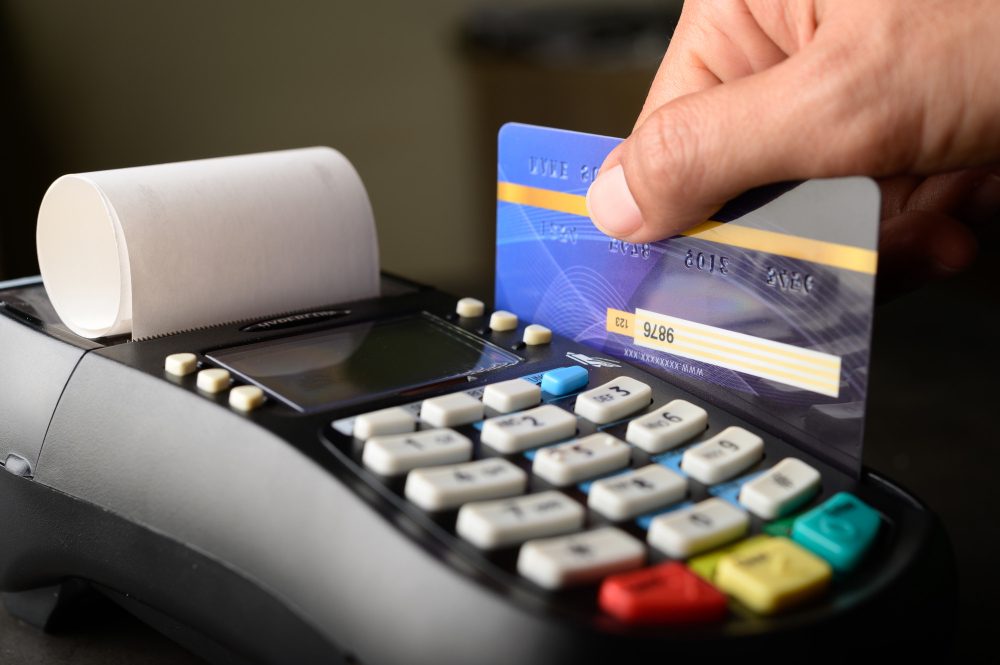
Choosing a POS is not about feature count alone. It is about faster checkout, tighter stock control, and better daily decisions. This practical long-form guide helps you evaluate, compare, and subscribe with confidence.
9/14/2026
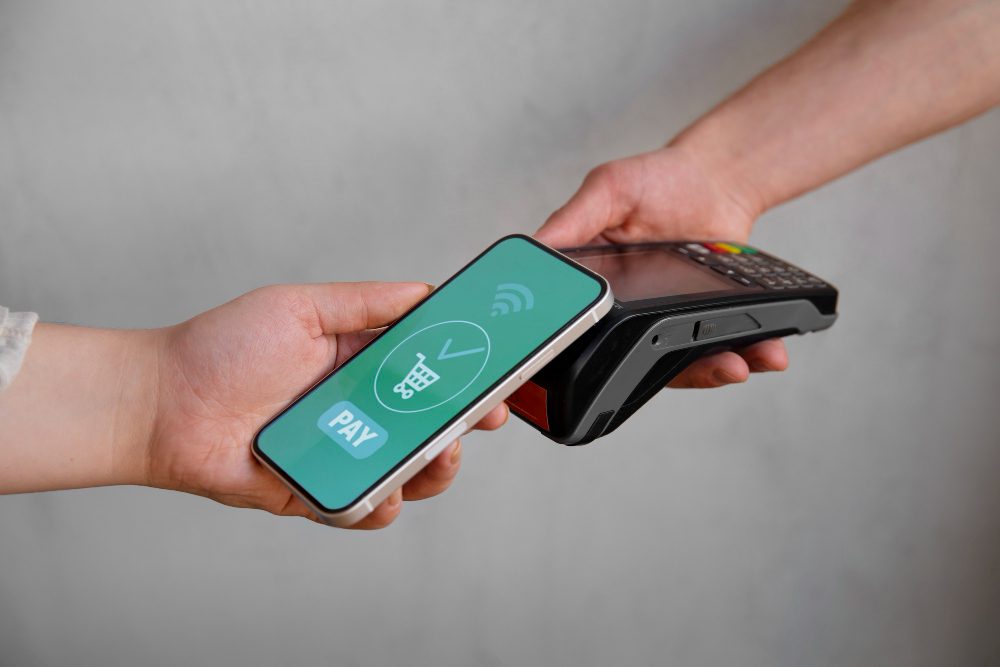
Is now the right time to start with Cashiery? This practical guide gives fast decision signs and a low-risk first-week trial plan so you can decide with confidence based on real operating evidence.
9/14/2026
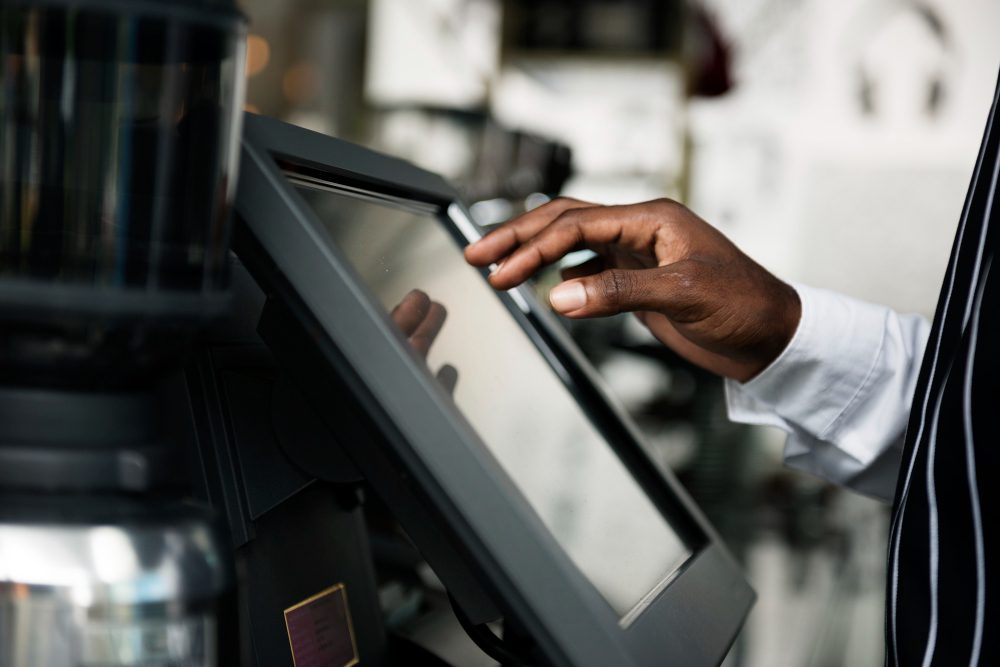
If traditional cashier software slows your shop, practical alternatives exist. This guide compares realistic options for single-shop operators, explains when each option fits, and helps you avoid costly migration mistakes.
9/14/2026

Not every shop needs the same cashier setup. This guide explains when cloud cashier is ideal and when alternatives may fit better, using practical criteria tied to team size, connectivity, expansion, and decision speed.
9/14/2026
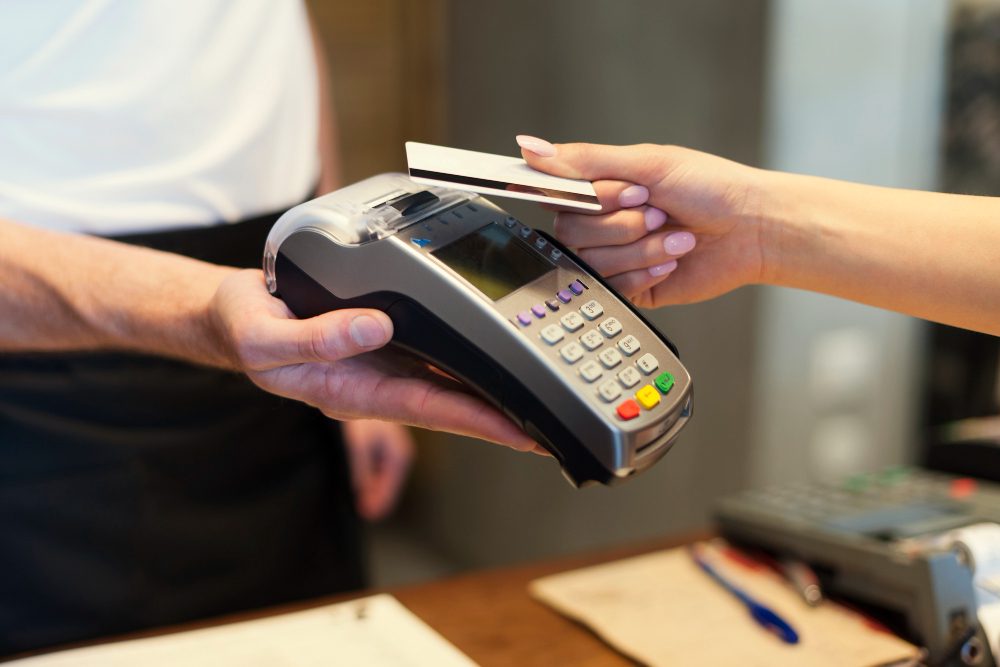
What is a POS system in practical terms, and how does it evolve from billing into store control? This guide covers definition, benefits, and a clear starter plan to reduce errors and speed execution from week one.
9/14/2026
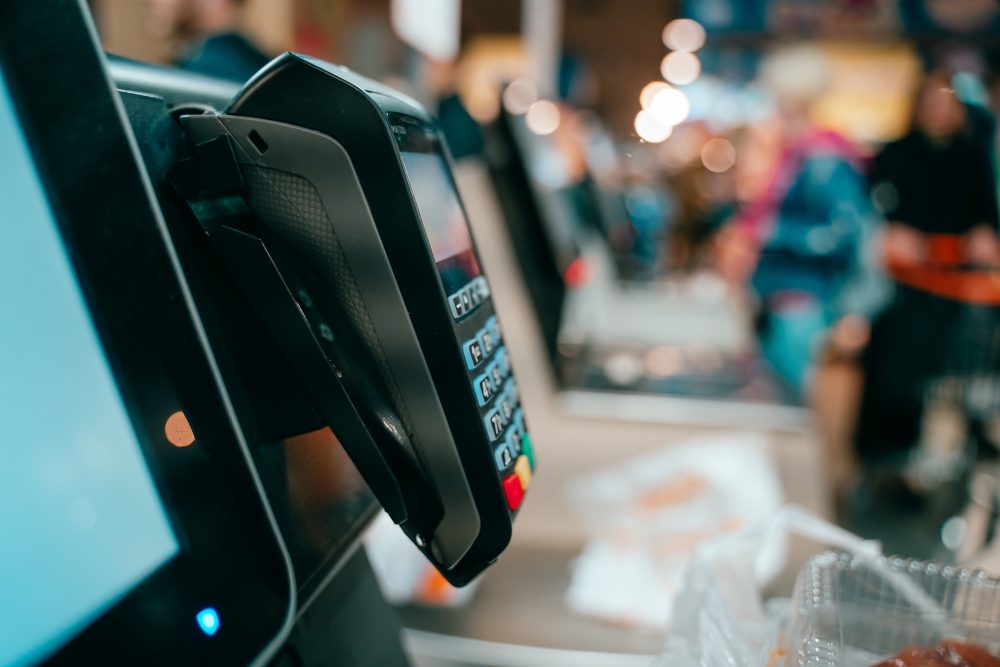
Choosing a sales and inventory app is not about feature count. It is about reducing leakage, speeding decisions, and protecting margin daily. This long-form guide explains practical selection and rollout for small stores.
9/14/2026
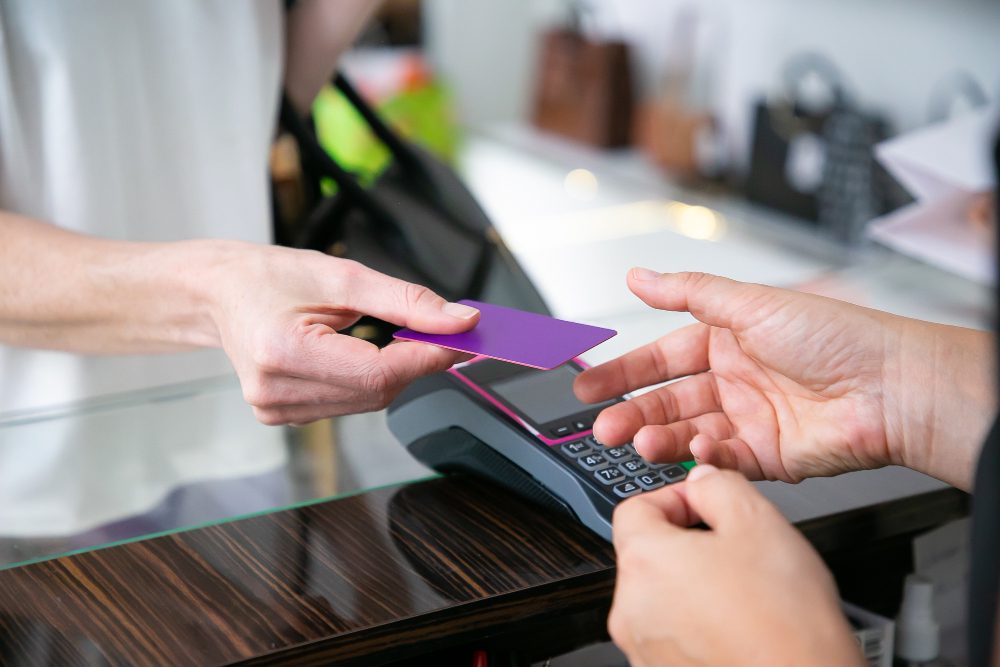
Before your first customer enters, key POS preparations can prevent opening-hour confusion. This guide gives a complete operational opening checklist for checkout, stock, and team readiness.
9/14/2026
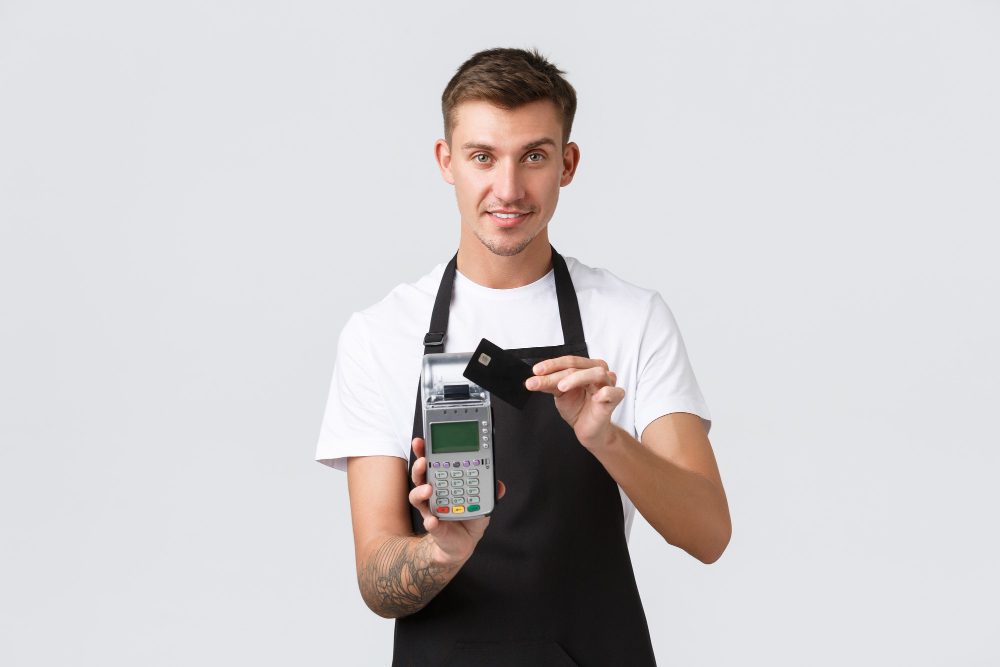
A practical before/after story of a small shop that moved from messy records and stock variance to disciplined operations with digital POS. See what changed in sales, inventory, and service speed in weeks.
9/14/2026
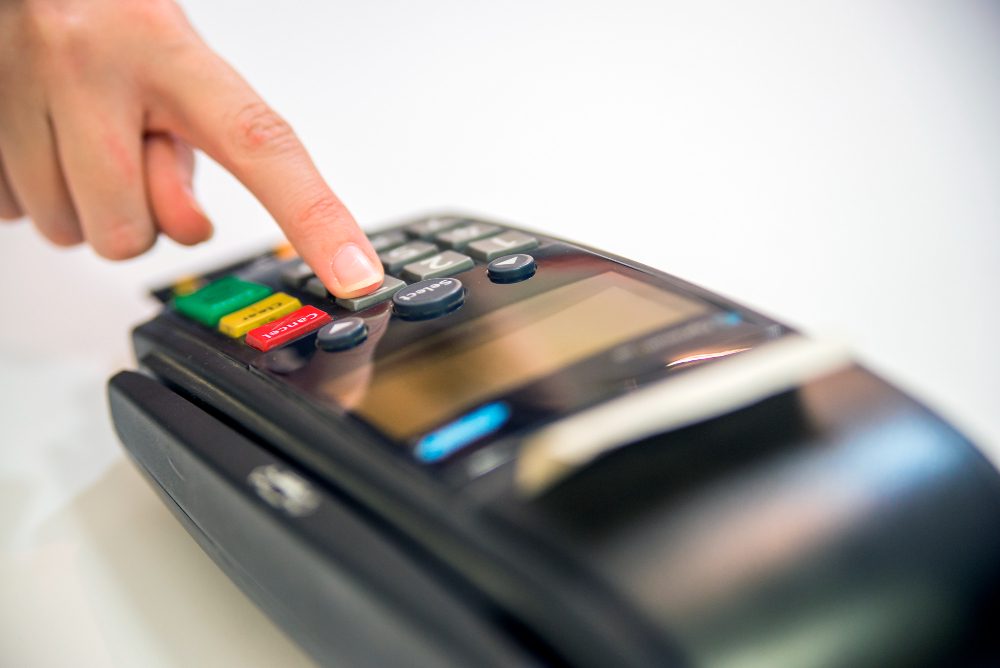
Training a new cashier in one day is possible with structure. This guide provides a full-day onboarding workflow with practical task checklists, real service scenarios, and early mistakes to prevent.
9/14/2026
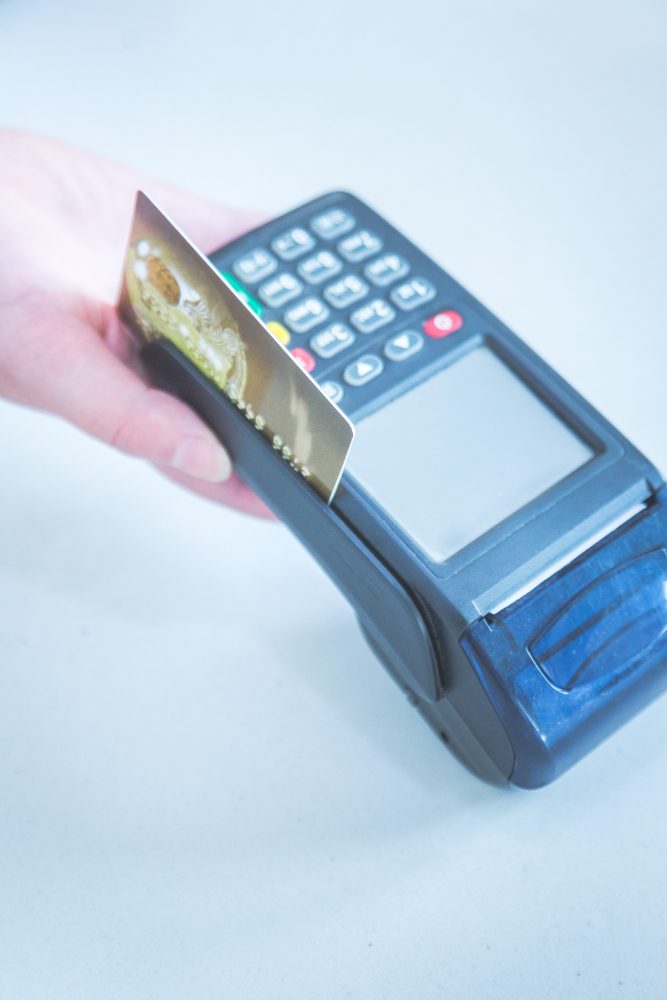
Your first POS setup does not need an all-day project. This guide gives a practical under-one-hour sequence with clear priorities so your store is ready for live selling from the first transaction.
9/14/2026
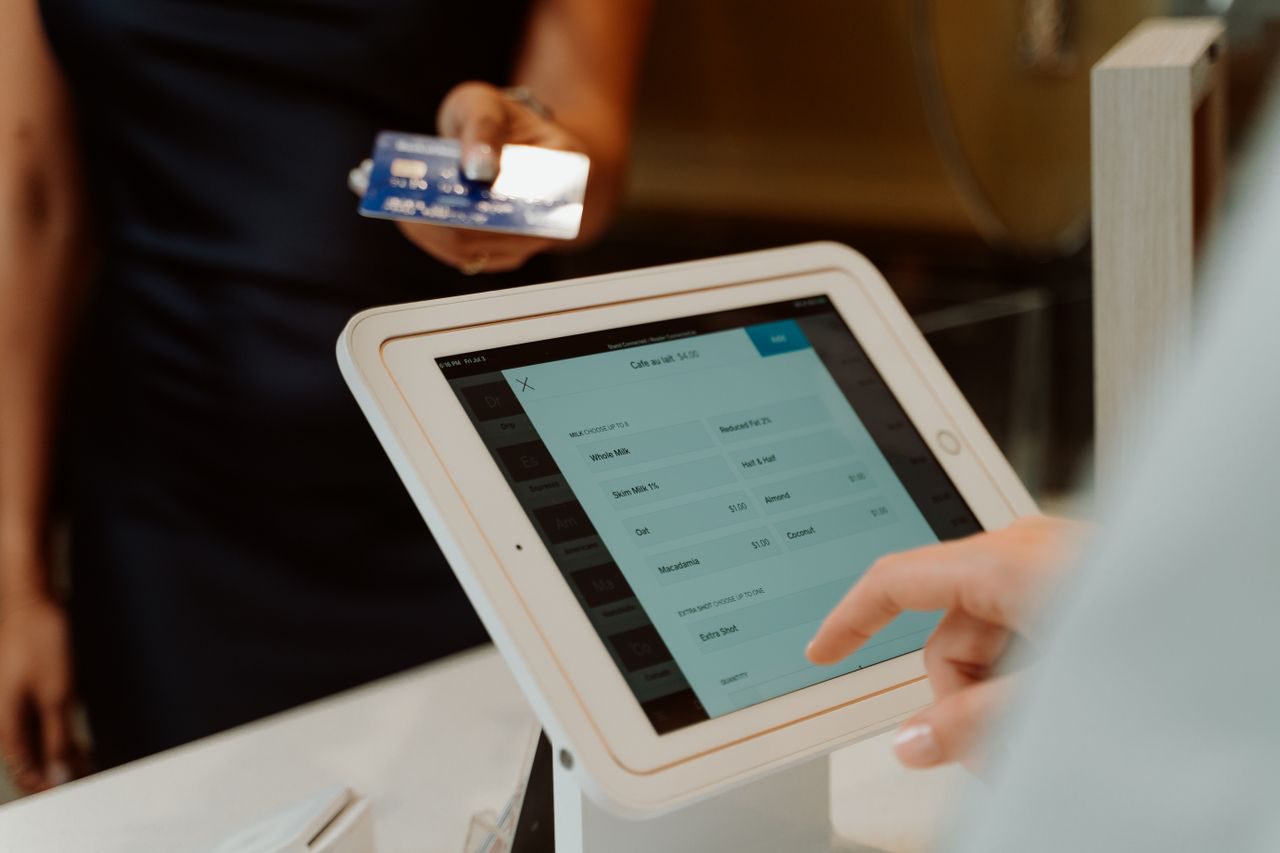
Moving from a paper notebook to POS does not require freezing your store. This practical guide maps a phased transition that protects service speed, stock accuracy, and team confidence while sales keep flowing.
9/14/2026
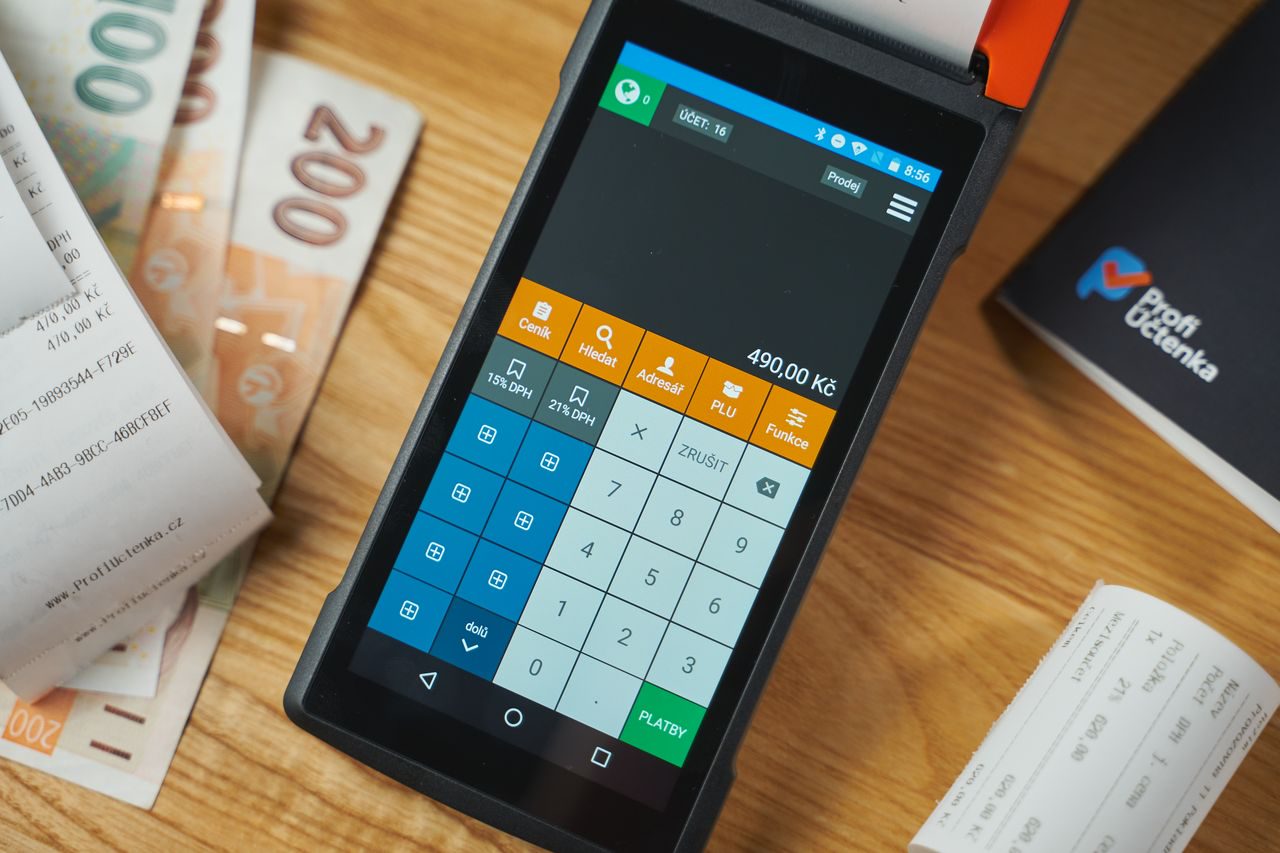
Subscription alone does not create outcomes. Discover the most common operating mistakes that neutralize POS value—and how to fix them with practical, low-friction steps.
9/14/2026
In 2026, mobile POS is no longer a novelty; it is a practical operations decision. This guide explains why adoption is accelerating globally and how to assess readiness in your own shop.
9/14/2026
If sales are happening but your numbers are blurry, this 7-day guide gives you a practical reset. Short daily actions you can execute without stopping operations.
9/14/2026
Daily intuition can mislead. The right POS metrics reveal reality fast. Learn the 7 practical indicators that show whether your shop is truly improving or needs immediate correction.
9/14/2026
Strong POS software does more than print receipts. It builds operating rhythm that increases basket value, reduces leakage, and sharpens daily decisions. This practical guide shows how to turn your POS into a growth engine.
9/14/2026
Peak-hour stockouts cost immediate sales and long-term trust. This guide explains how to design practical inventory alerts, set better reorder thresholds, and connect each alert to fast actions that keep shelves ready.
9/14/2026
Dead stock silently blocks cash flow and weakens agility. Learn to detect slow movers from POS data early, reclassify inventory intelligently, and make cleaner buy/hold decisions before capital gets trapped.
9/14/2026
A year-end count should improve accuracy, not freeze operations. This guide helps you split stocktake into practical waves, assign clear responsibilities, and close the year with better confidence and less disruption.
9/14/2026
Profit leakage often hides in routine POS data: odd discounts, repeated returns, and unexplained stock adjustments. Learn how to read reports as early-warning tools and stop waste before it compounds.
9/14/2026
Peak seasons reward preparation, not panic. This guide shows how to align inventory, sales routines, and daily reporting so your store enters rush periods with fewer stock mistakes, faster service, and healthier margins.
9/14/2026
Panic counts usually mean sales aren’t tied to stock. Here’s how automatic deduction turns stocktakes into light checks—not monthly crises.
9/14/2026
The offline questions every retailer should ask cloud POS vendors—what still works without internet, how sync behaves, and how to test it.
9/14/2026
Daily discipline for discounts, promotions, and refunds inside POS—so month-end isn’t a forensic project.
9/14/2026
Phone-camera barcode scanning can launch a POS cheaply—here’s when it works and when a dedicated scanner wins at peak hour.
9/14/2026
Why shared full access is risky, and how to split selling, discounts, refunds, and stock adjustments across roles.
9/14/2026
A practical shift open/close routine for POS cash control—what to do during the day and how to investigate variances immediately.
9/14/2026
How POS-linked inventory prevents “sorry, we’re out,” plus light weekly routines for low-stock alerts and top-SKU counts.
9/14/2026
A 5-minute closing checklist: totals, tickets, top SKUs, discounts, refunds, and cash variance—so you close with decisions, not vibes.
9/14/2026
Five non-negotiable POS features for retail shops: fast checkout, live stock, shifts, readable reports, and permissions.
9/14/2026
A plain-language explanation of cloud POS/cashier systems—how they work, why small retailers adopted them, and how they differ from one-PC installs.
9/14/2026
Follow a POS invoice from checkout to stock, shifts, returns, and end-of-day reports—and how that journey turns chaos into a clean daily sales log.
9/14/2026
Verbal discounts and undocumented returns create cash gaps. A practical POS workflow for permissions, audit trails, and inventory-safe refunds.
9/14/2026
Receipt clarity reduces counter arguments and return confusion. Here’s what to show on a sales ticket and how to prepare it in your POS.
9/14/2026
Manual tax math slows rush hour and creates inconsistent tickets. Learn how automatic tax on cashier invoices reduces errors and speeds checkout.
9/14/2026
A sales receipt isn’t paperwork theater—it’s proof for customers and a record for your till. Learn when you need it and what a useful receipt includes.
9/14/2026
A direct comparison of notebook selling versus POS: cash variances, wrong prices, fake stock, and a practical migration path that doesn’t stop sales.
9/14/2026
A 7-day plan to run cashier POS from your phone—catalog, selling, shifts, reports—and when to add a printer or barcode scanner.
9/14/2026
Why the lowest POS price can become the most expensive choice—simple math on slow checkout, stock errors, discount leakage, and downtime.
9/14/2026
Compare one-time POS licenses vs monthly/annual subscriptions across updates, downtime risk, cash flow, and 24-month total cost.
9/14/2026
A practical breakdown of true POS cost: subscription, hardware, training time, consumables, and hidden fees most pricing pages skip.
9/14/2026
A practical retail comparison of iPhone vs Android as a cashier device—cost, spares, accessories, and a clear recommendation for most shops.
9/14/2026
Learn the difference between full accounting suites and a smart cashier/POS for sales and inventory—and which to adopt first as a retailer.
9/14/2026
A practical 10-question checklist to evaluate POS vendors—covering checkout speed, inventory, permissions, shifts, offline mode, total cost, and data export.
9/14/2026
What “best POS” really means for small and mid-size retail: must-have features, a real trial scenario, and common buying mistakes.
9/14/2026
Compare phone-based POS with a traditional cashier terminal on cost, training, flexibility, downtime, and customer experience.
9/14/2026
An honest look at free POS/cashier plans—what you gain, which limits hurt growing shops, and a checklist before you rely on “free” as your main system.
9/14/2026
A practical comparison of cloud cashier systems versus traditional desktop POS: cost, backups, updates, multi-device access, and offline reality.
9/14/2026
A practical guide to when a mobile POS cashier app is the right fit for your shop—and when you may need a different setup—plus clear selection criteria.
9/14/2026
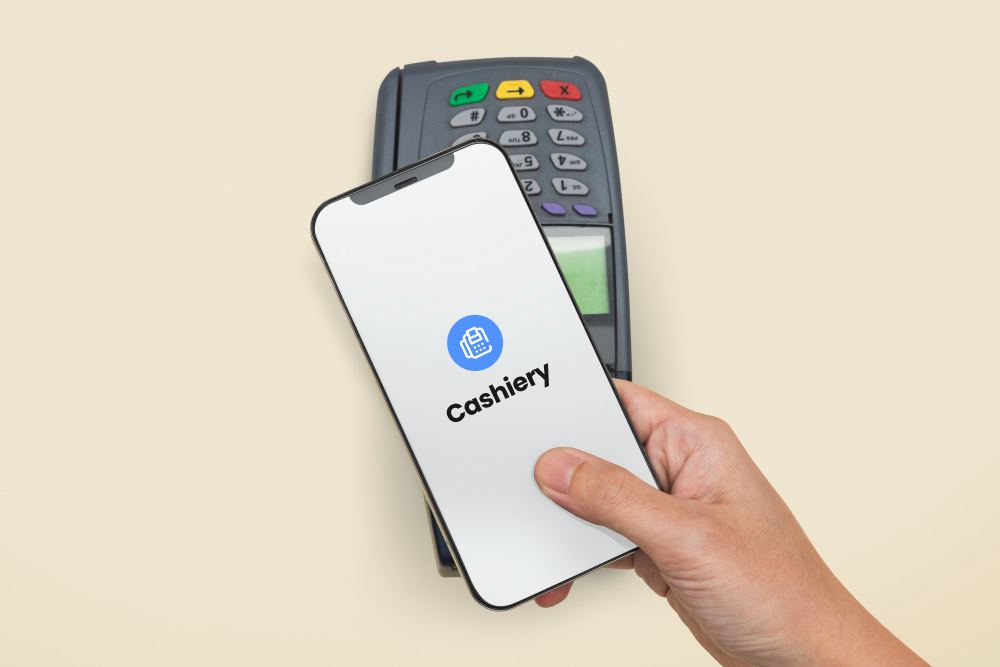
A practical guide to choosing the best cashier POS app for small stores: sales, inventory, shifts, and receipts — without expensive hardware.
9/14/2026
